ducati app

AppWDW 2026

The digital heart of
World Ducati Week

Your go-to resource, now completely new and revamped, from today through World Ducati Week – Centenary Edition, guiding you to the event and every moment of it. Plan your experience, follow what you love, and don’t miss a single moment: inside and outside the paddock, the app is always with you, making everything even more exciting.
Hub World Ducati Week - Centenary Edition
As the nerve center of World Ducati Week – Centenary Edition, the app serves as the hub connecting every aspect of the event. Content, experiences, and emotions intertwine in a continuous stream, always at your fingertips. From the schedule to track activities, from exclusive experiences to real-time updates, everything comes together in one place to let you experience World Ducati Week - Centenary Edition even more intensely, while staying connected to the heart of the Ducati community.
Program
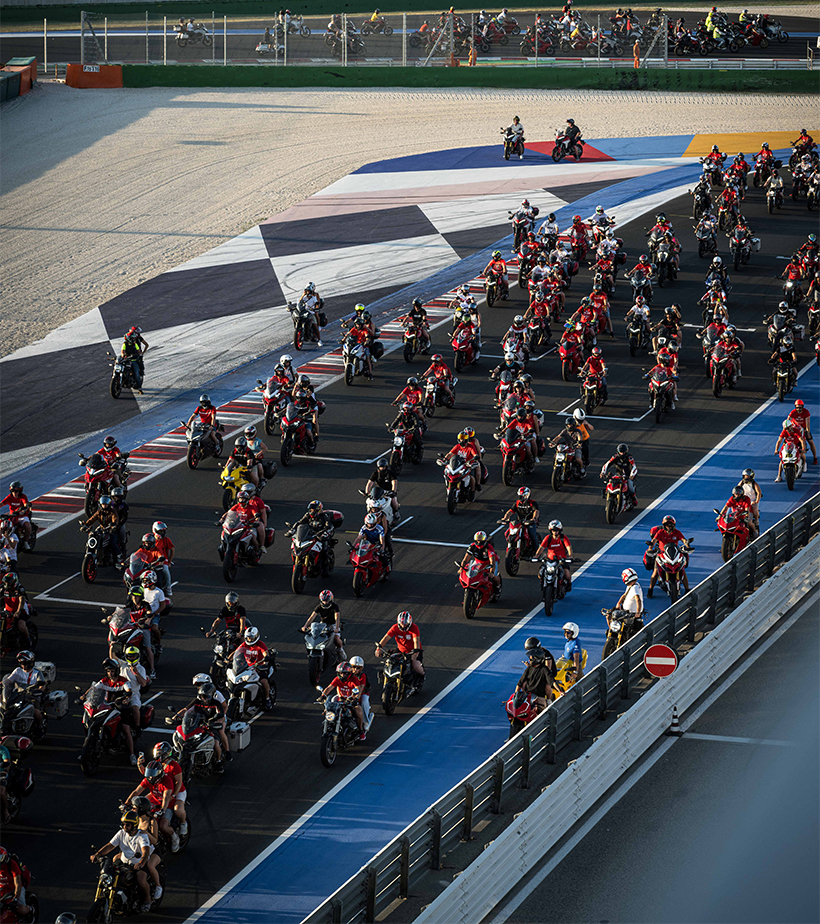
World Ducati Week – Centenary Edition comes to life with a program designed to help you make the most of every moment. A succession of experiences, events, and high-energy moments set the pace of the event, from the track to the paddock and beyond the circuit, into the heart of authentic Romagna. Check out the program to plan your experience and let yourself be guided by a packed schedule designed to surprise you at every turn.
Update in tempo reale
Vivi il World Ducati Week - Centenary Edition da protagonista con l’App e resta sempre connesso, ovunque tu sia! Ricevi aggiornamenti e notifiche in tempo reale su tutto ciò che accade durante l’evento: cambi di programma, novità e informazioni utili per non perdere neanche un istante.
Misano World Circuit Marco Simoncelli
Find your way around the Misano World Circuit Marco Simoncelli, in the heart of Romagna, and discover everything around you. From the track to the paddock areas, and beyond the circuit itself, this map guides you to points of interest and key locations, both inside and outside the circuit.

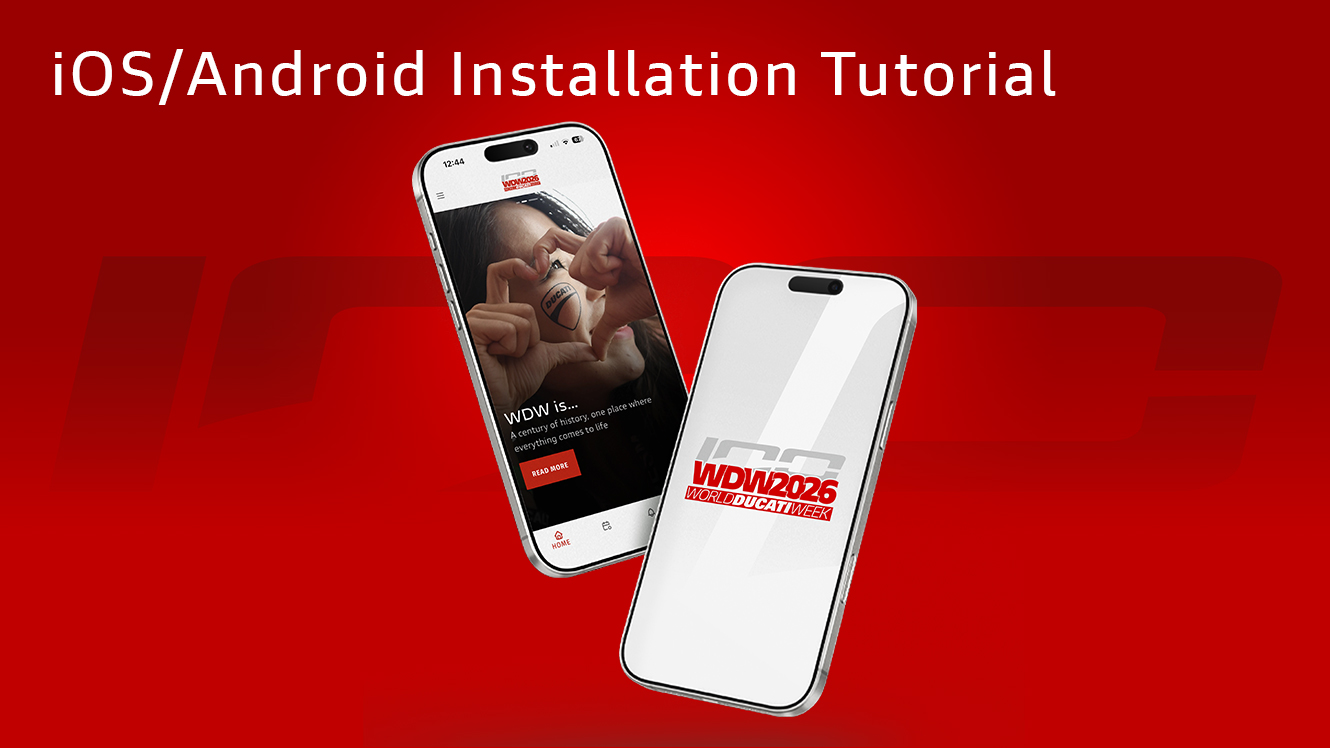
Download the WDW app in just a few steps

What are you waiting for? Watch the video tutorial and download the WDW app!
Click the link for the AppWDW

Access the web app page from your iPhone HERE. It’s important to use the correct link, because that’s the one that will be saved as an app.

Tap the Share button

In Safari, tap the three dots in the bottom-right corner, tap the Share button, and scroll until you see “Add to Home Screen.”

If you’re using Google Chrome, tap the Share button in the top-right corner, then tap “More” to access the sharing options and scroll until you see “Add to Home Screen.”

Select “Add to Home Screen”

Scroll through the available options until you find this one. It’s the one that lets you save the site as an app icon on your phone.

Confirm by clicking “Add” and enjoy the World Ducati Week experience

A confirmation screen will appear: you can change the app’s name or leave it as is, then tap “Add” in the top-right corner.

Once you’ve done that, the WDW icon will appear directly on your iPhone’s Home screen, ready to open just like a regular app, without having to go through the browser every time.

Click the link for the AppWDW

Open the web app page on your Android smartphone. It’s important to use the correct link, because that’s the one that will be saved as an app.

Tap the “Add page to...” button

Tap the three dots in the bottom-right corner, tap the “Add page to…” button, and scroll until you find “Home screen.”

Select “Home Screen”

Scroll through the available options until you find this one. It’s the one that lets you save the site as an app icon on your phone.

Confirm by clicking “Add” and enjoy the World Ducati Week 2026 experience

A confirmation screen will appear: you can change the app’s name or leave it as is, then tap “Add” in the top-right corner.

Once you’ve done that, the WDW icon will appear directly on your iPhone’s Home screen, ready to open just like a regular app, without having to go through the browser every time.

F.A.Q.

Quickly find answers to frequently asked questions about the WDW App: logging in, signing up, installing the app, and using its main features.
Where can I download the WDW app?

The WDW App is a web app, so it doesn’t need to be downloaded from app stores. You can access it directly from your smartphone via THIS LINK or by clicking the buttons on this dedicated page.

Do I need to sign up to use the app?

No, you don’t need to register to access all the features of the WDW App. You can start exploring all the available content right away, including the program, maps, updates, and useful information about the event.

Does the app also include the event schedule and map?

Yes, the app includes the full schedule for World Ducati Week – Centenary Edition, organized by day, time, and location, so you always have a clear overview of all the activities.

There’s also a map to help you find your way around the different areas of the circuit and get around easily during the event.

How can I receive updates and notifications during WDW?

To stay up to date on everything happening during World Ducati Week – Centenary Edition, you can join the official WDW Telegram channel at THIS LINK.  

You’ll receive real-time notifications about news, highlights, and important announcements, so you won’t miss a thing and can experience the event right in the thick of the action.


Can I use the WDW app even before the event?

Yes, you can access the WDW App even before World Ducati Week – Centenary Edition begins to start exploring content, checking the schedule, and planning your experience in advance.